

Notifications
Toado tries to be quiet. Notifications are five switches on your account, and the inbox is the in-app place to see what involves you.
The five toggles
Open Your settings › Notifications (/me/settings/notifications). Toggles save to your account and sync across devices.
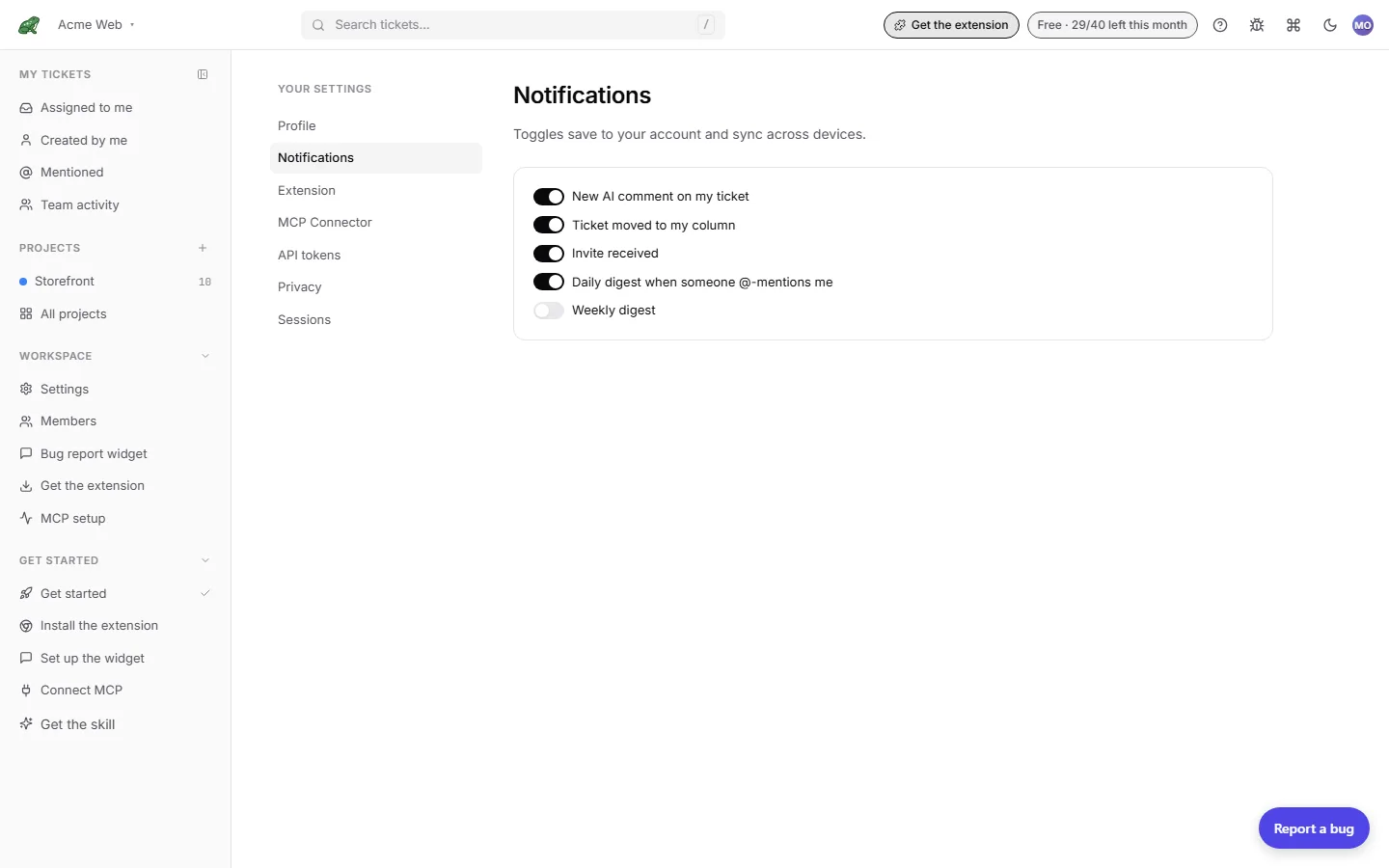
| Toggle | Default | What it covers |
|---|---|---|
| New AI comment on my ticket | On | An MCP client such as Claude Code comments on a ticket you created. |
| Ticket moved to my column | On | A ticket lands in a column you are watching for. |
| Invite received | On | Someone invites you to a company. |
| Daily digest when someone @-mentions me | On | One email a day listing every ticket and comment that @-mentioned you since the last digest. |
| Weekly digest | Off | A weekly summary email. |
Flip a switch and it saves immediately. If the save fails, the switch snaps back and a toast tells you.
Mentions
The mention digest is a daily email, not an instant one. Empty days produce no email. To see mentions right away, open Mentioned in the inbox, which lists every ticket where your id appears in the description or in a comment.
MCP comments and notifications
A triage skill that comments on every ticket it touches can produce a lot of New AI comment on my ticket notifications if you created those tickets. Turn that toggle off for the duration of a big run, or have the skill avoid @-mentioning you (mentions are an explicit opt-in by the comment author).
What is not here
There is no per-ticket or per-project mute, no in-app bell, and no instant email per event. Sessions, privacy, and the extension have their own tabs in the same settings page.
Where to next
- Inbox for the in-app view of what involves you.
- Comments & mentions for what triggers a mention.
- Teams › Invitations for the invite flow.