

Theme
Toado has one theme per account. Set it once and it applies to every Toado surface you sign into, including the page-pin panel and composer in the browser extension.
Choose a theme
Open Your settings › Profile and find the Appearance section.
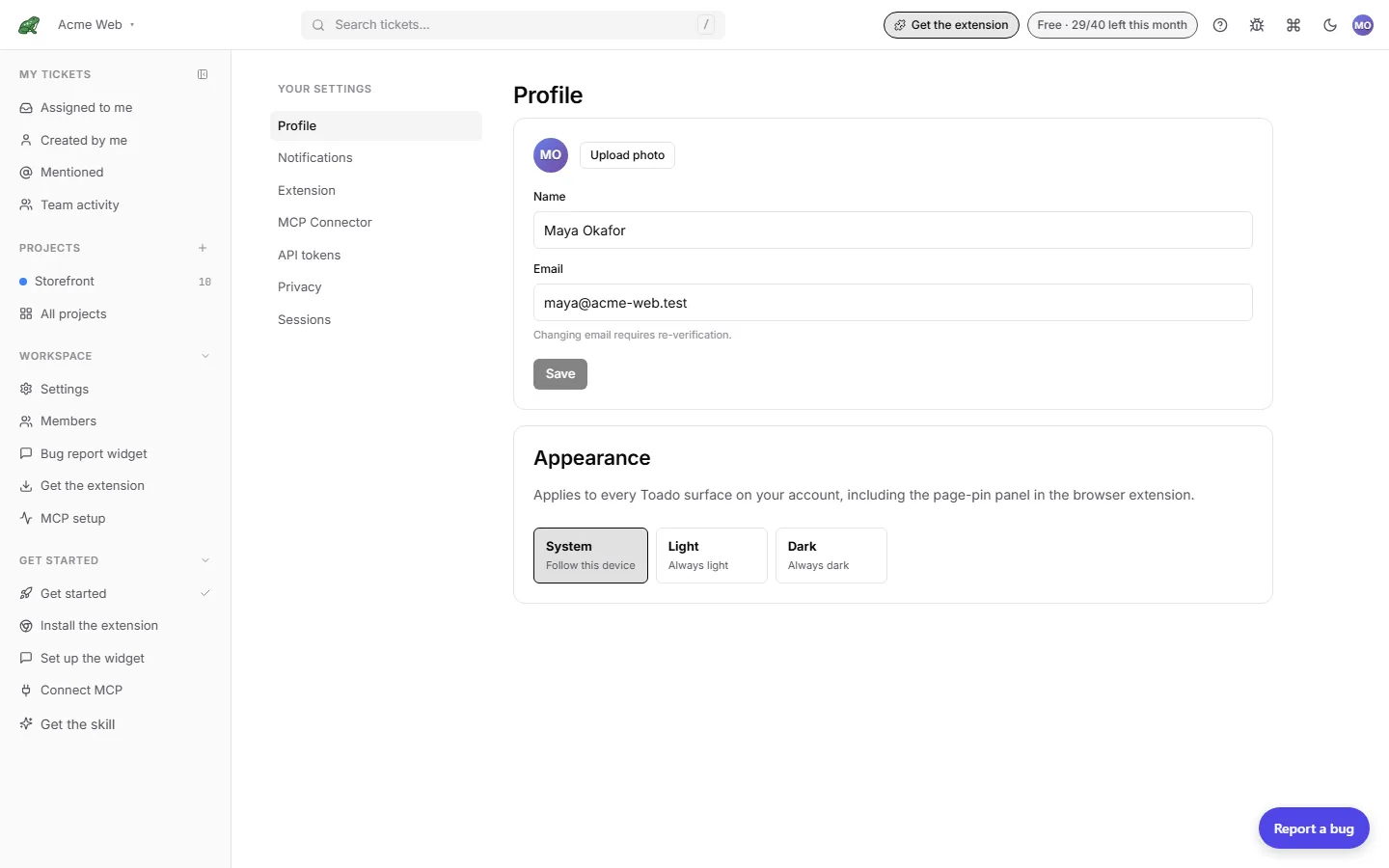
| Option | Behaviour |
|---|---|
| System | Follow this device. If your OS switches to dark at sunset, Toado follows while the app is open. |
| Light | Always light. |
| Dark | Always dark. |
The choice saves to your account immediately. There is no separate setting in the extension: choosing dark here darkens the panel on the next page you pin.
How it syncs
The setting lives on your account rather than in one browser, because the extension’s in-page panel runs on other sites and cannot read the web app’s local storage. The web app also keeps a local copy so the first paint of a cold load uses the right colours before the account answers.
A change made on another device reaches an open tab on its next load. If a save fails, the appearance you chose still applies locally and comes back on the next device that loads your account.
Where to next
- Companies & projects for the rest of your settings.
- Extension › Options & settings for the settings that are per browser.
- Notifications for the other account-level switches.