0.2.0 visual tour
See the updated interface before following a task guide. These are screenshots of the actual Toado web app, extension, and widget with local demonstration data. Example activity, settings, limits, and enabled features are illustrative. Recording availability depends on your workspace and rollout. No production records were changed, no report was sent, and no screen or microphone recording was started to make these images.
Select an image to view it at full size. Each section links to its step-by-step guide.
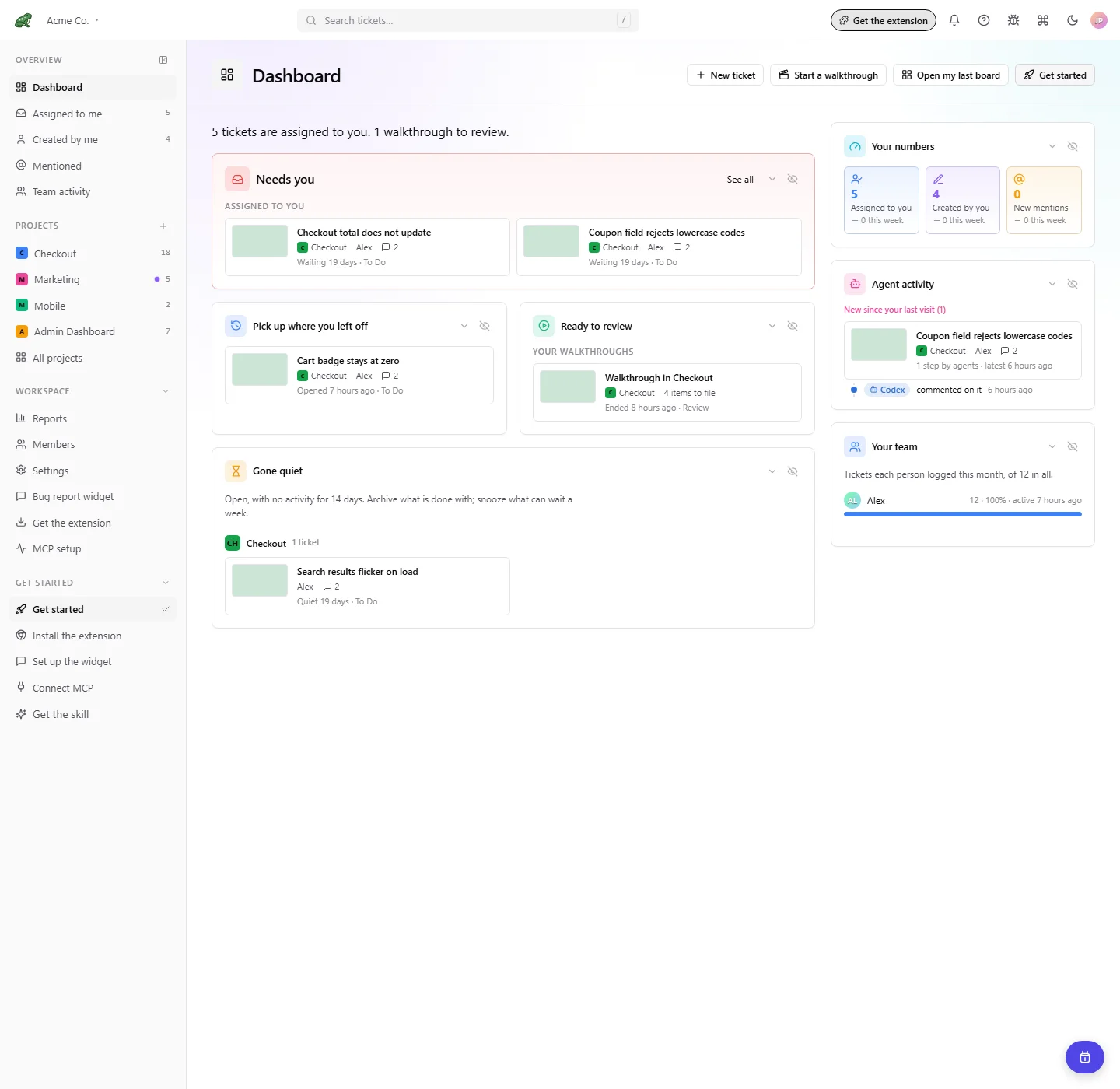
Dashboard
Open the Dashboard guide for work that needs you, recent tickets, review items, and AI agent activity.
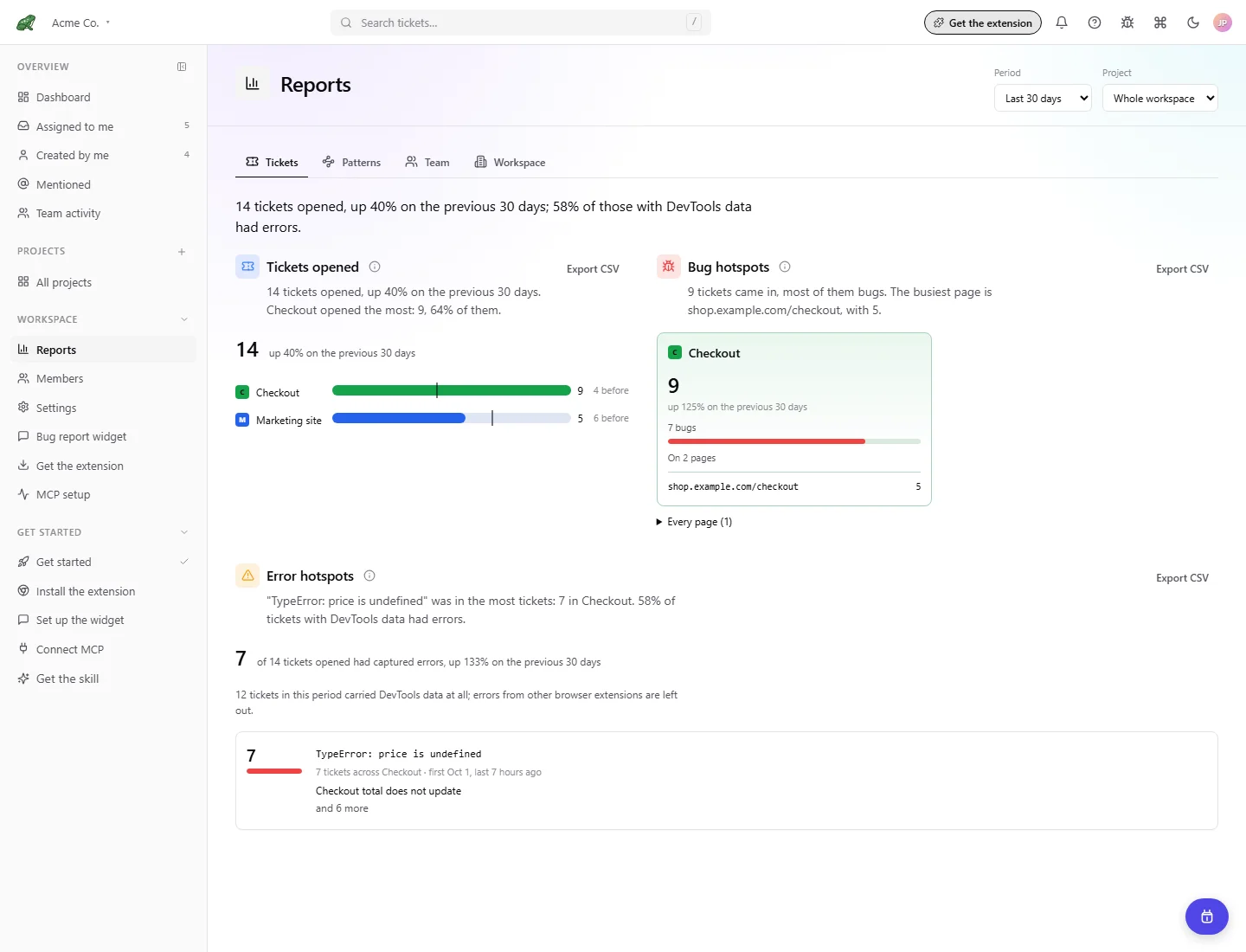
Every Reports page
Open the Reports guide for filters, comparisons, CSV exports, and access rules.
Tickets
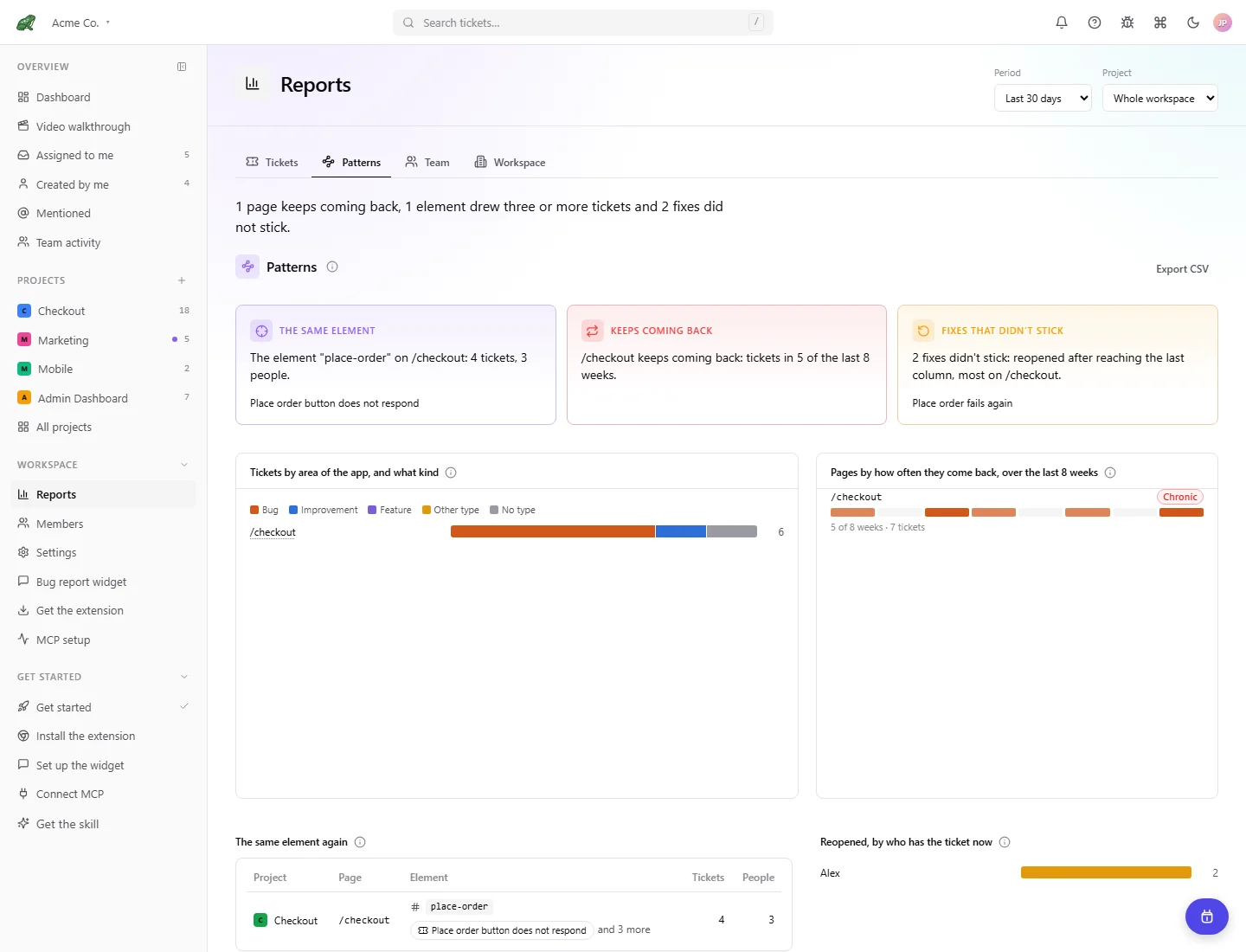
Patterns
Team
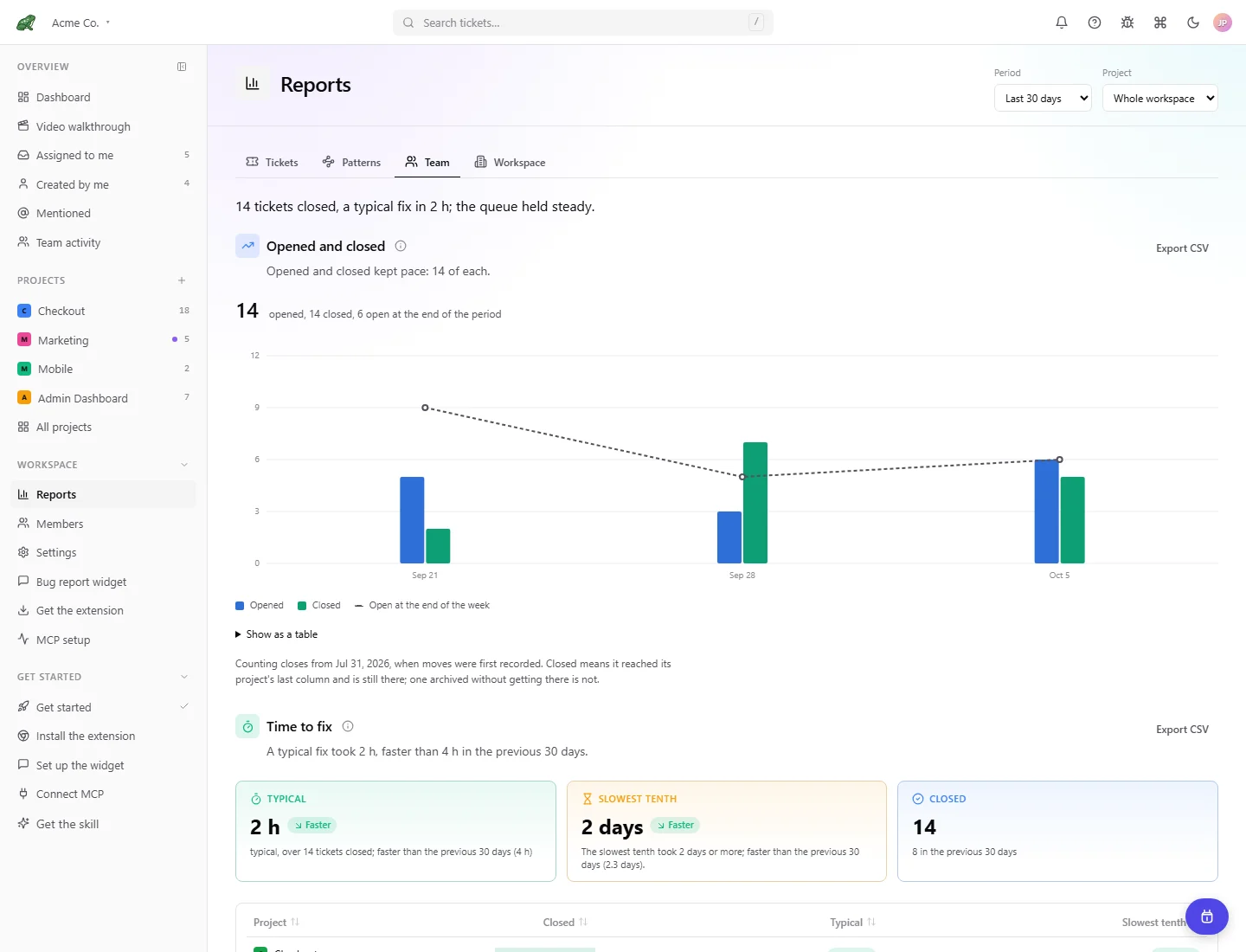
Workspace
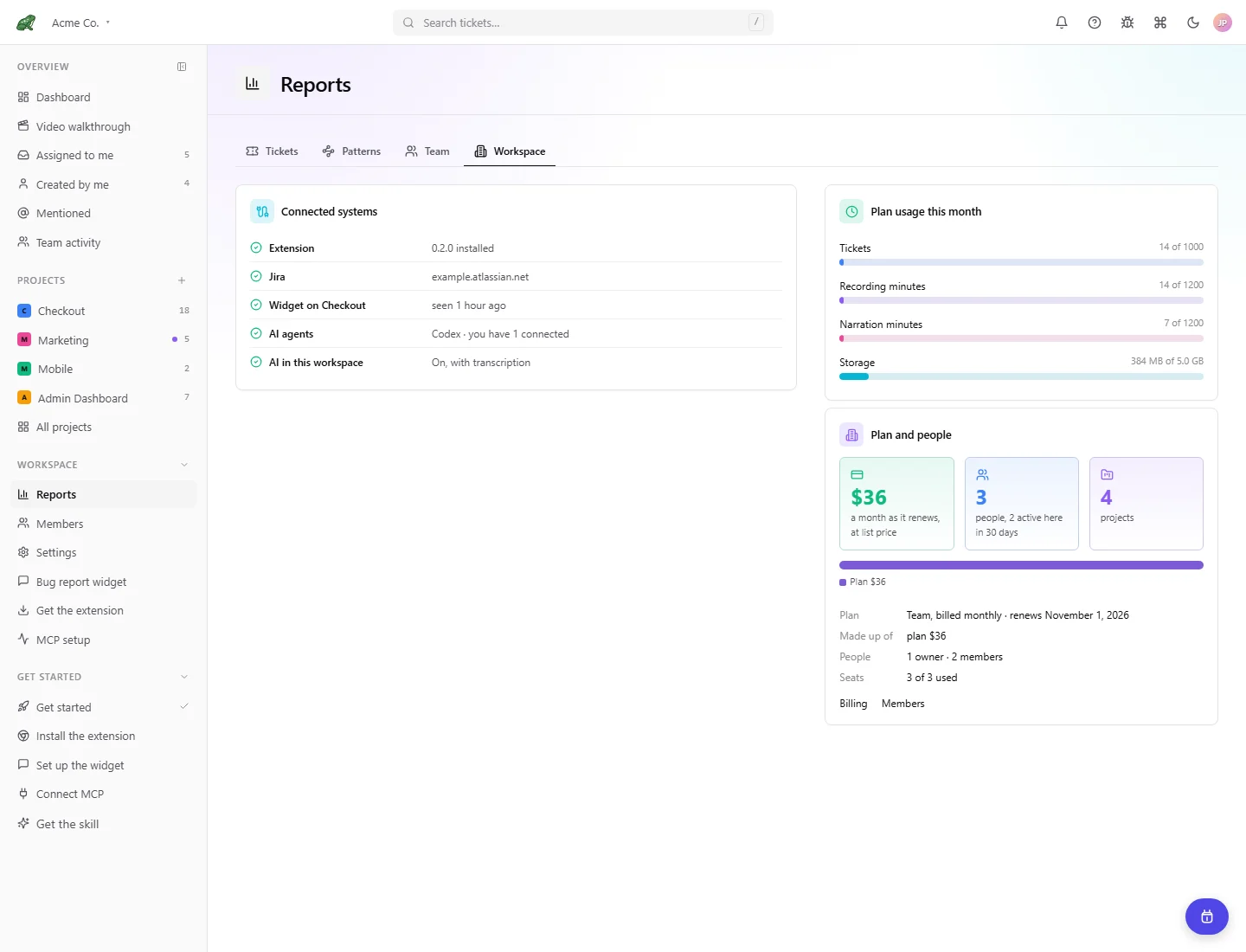
Jira
Open the Jira guide for connection, project and type mapping, manual and bulk sending, and automatic sending.
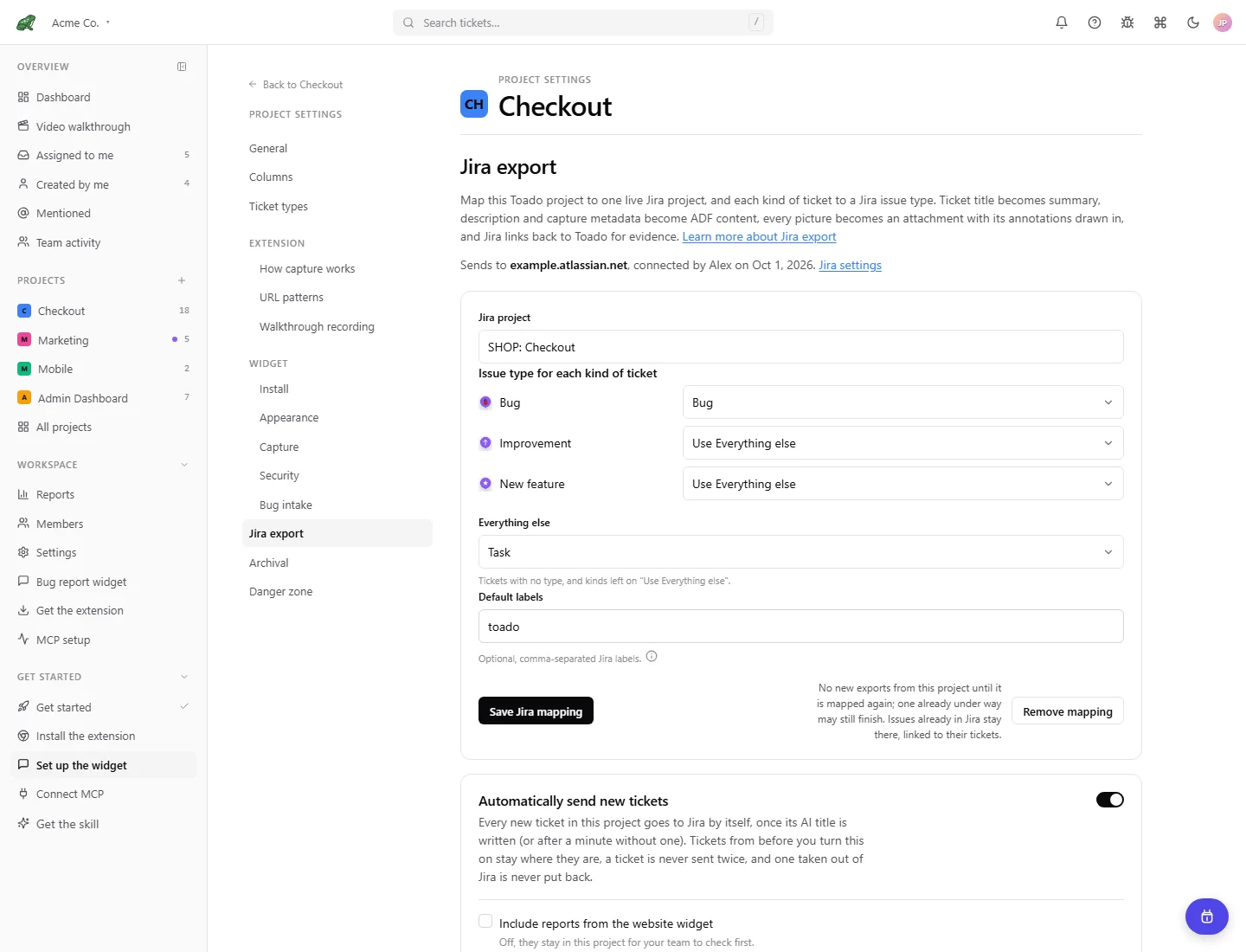
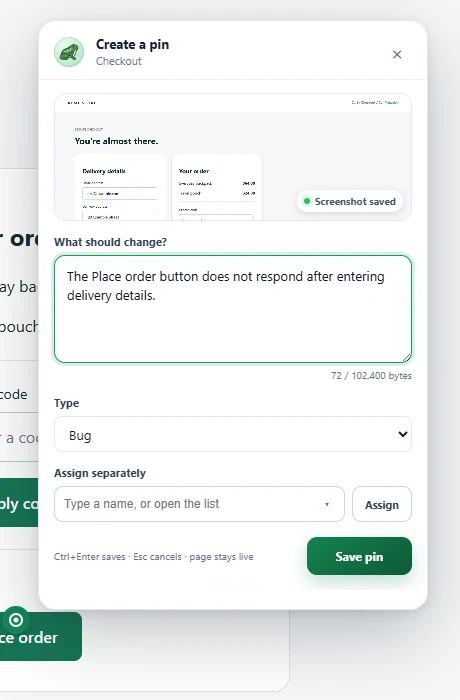
Page pins
Open the page-pins guide or follow your first pin. The panel, composer, mentions, preview, collapsed control, site claiming, and appearance controls are illustrated in their individual guides.
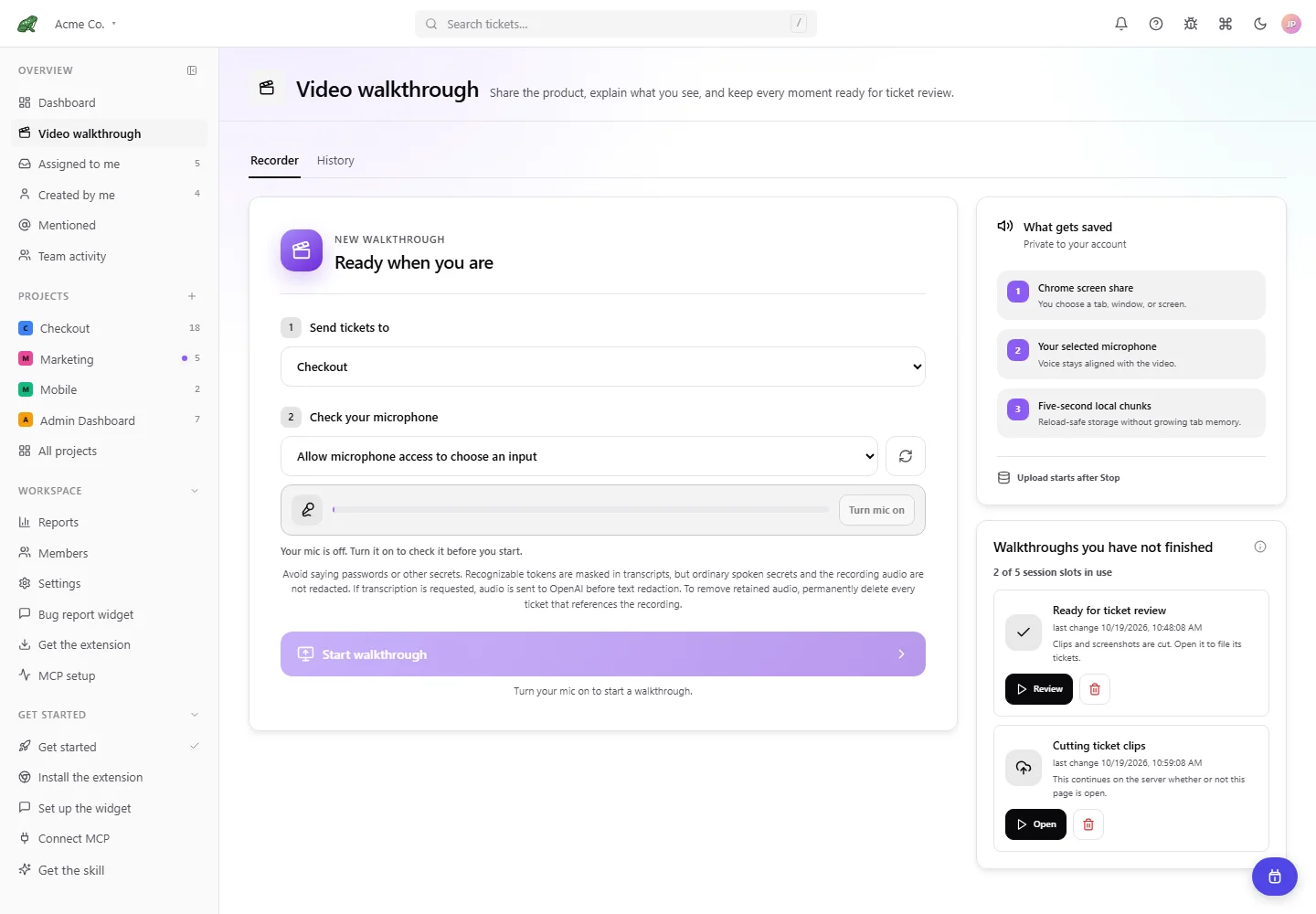
Walkthrough pages
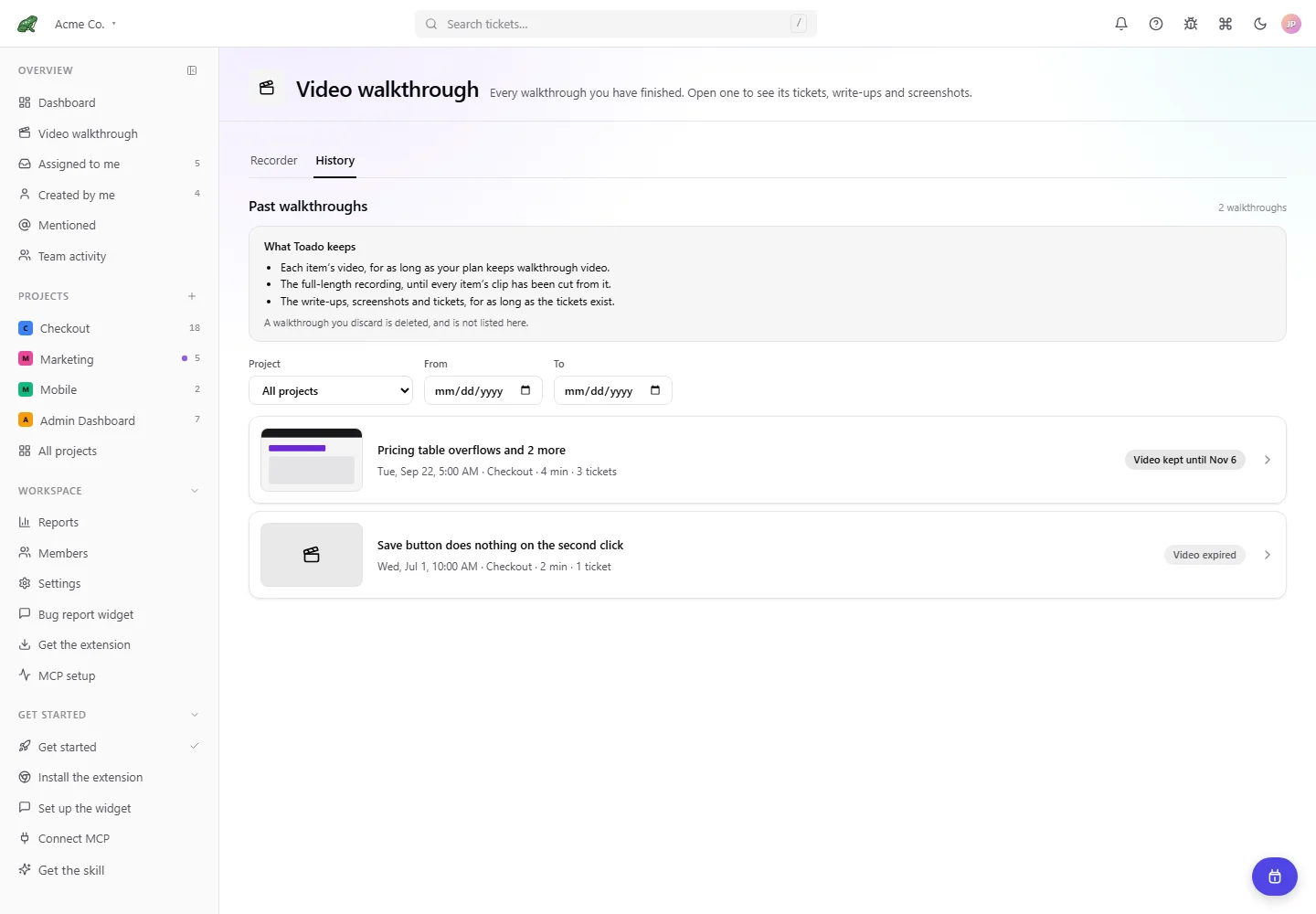
Open Walkthrough pages and history for Recorder, History, temporary draft controls, and edits to filed tickets. Member walkthroughs normally file automatically after processing and transcription settle; the review page is not an approval gate.
Recorder
History
Walkthrough review
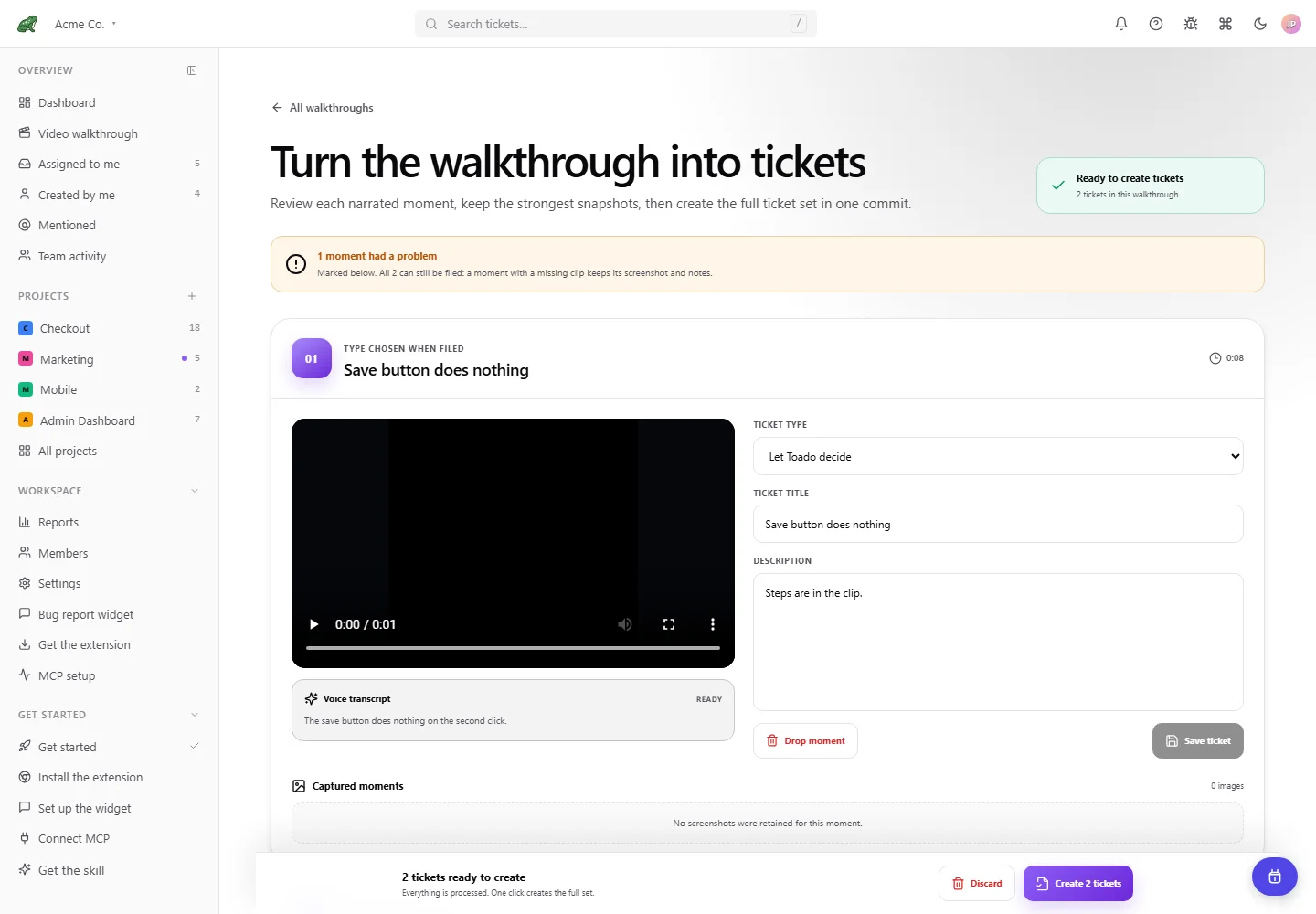
This example shows a temporary unfiled session with a failed clip. Automatic filing can complete without you approving these drafts. The guide also shows editing after filing.
For recording on a website, see Record from a page, with screenshots of the element highlight and compact recording controls. Those controls use a synthetic recording state; they do not show a real microphone or screen recording.
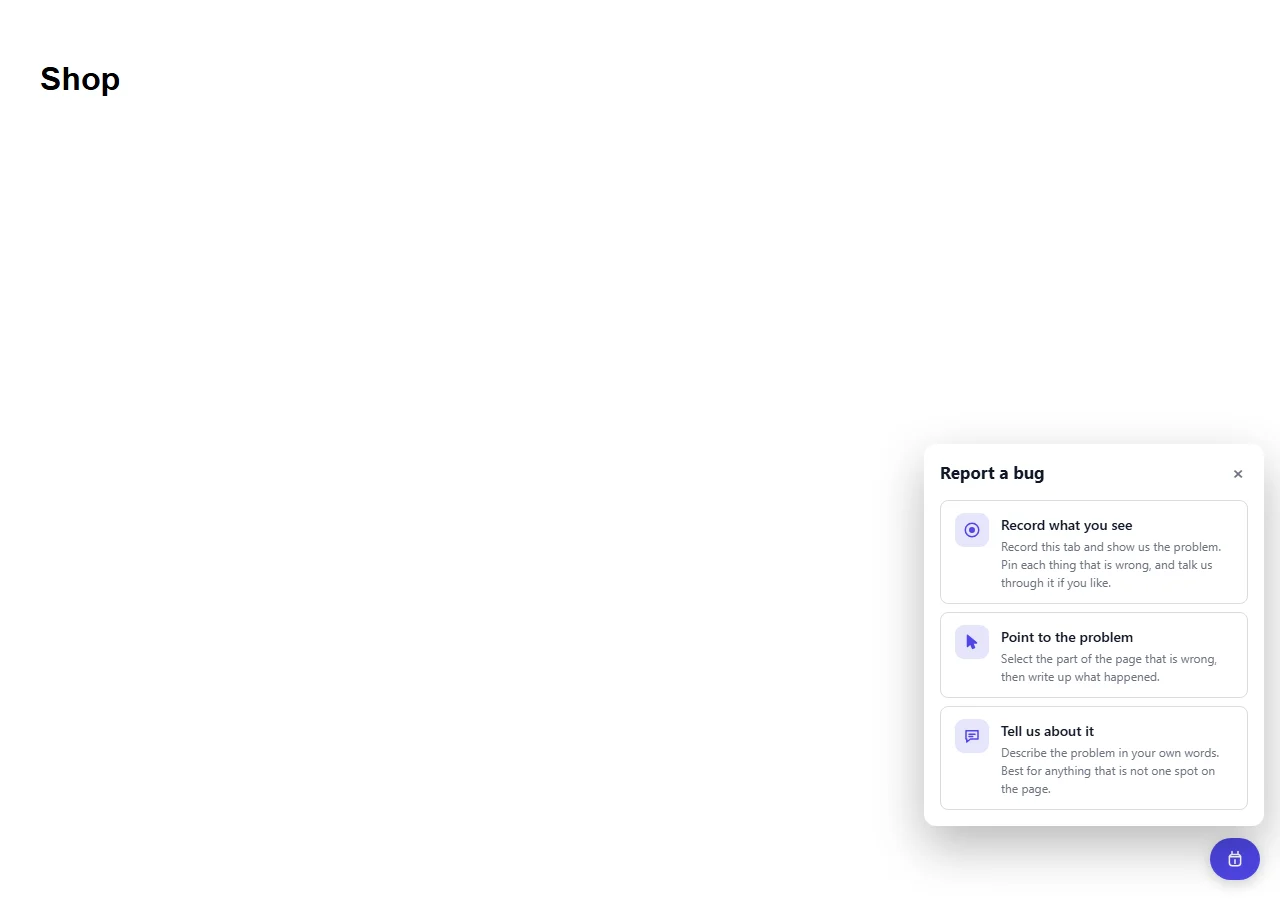
Widget recording and pointing
Open the widget recording and pointing guide for visitor choices, recording setup, pointing, Team pins, and their settings. Visitor recording uses its own review and Send flow.
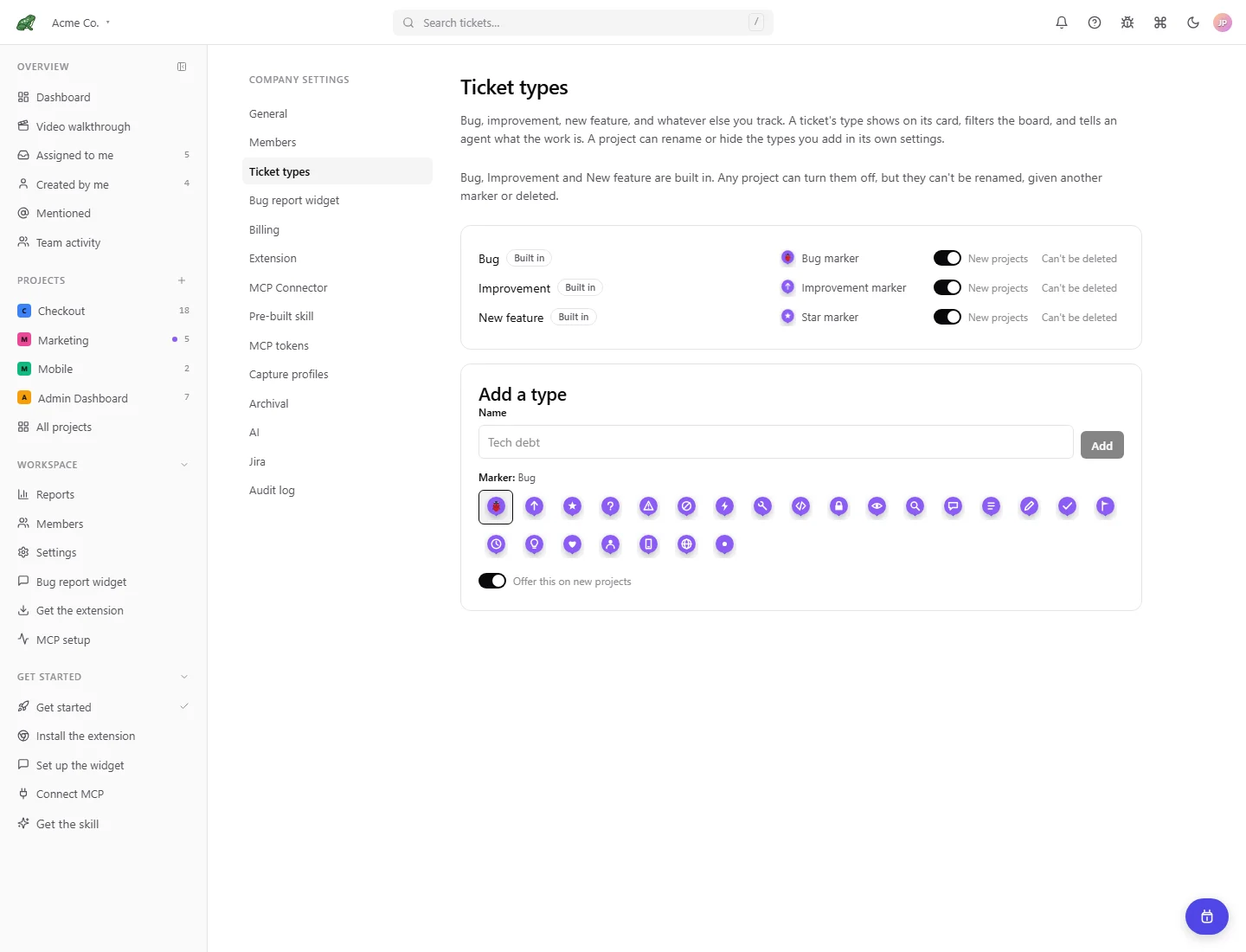
Types, capture profiles, and tokens
Ticket types, capture profiles, and MCP tokens show their current settings interfaces in the linked guides.